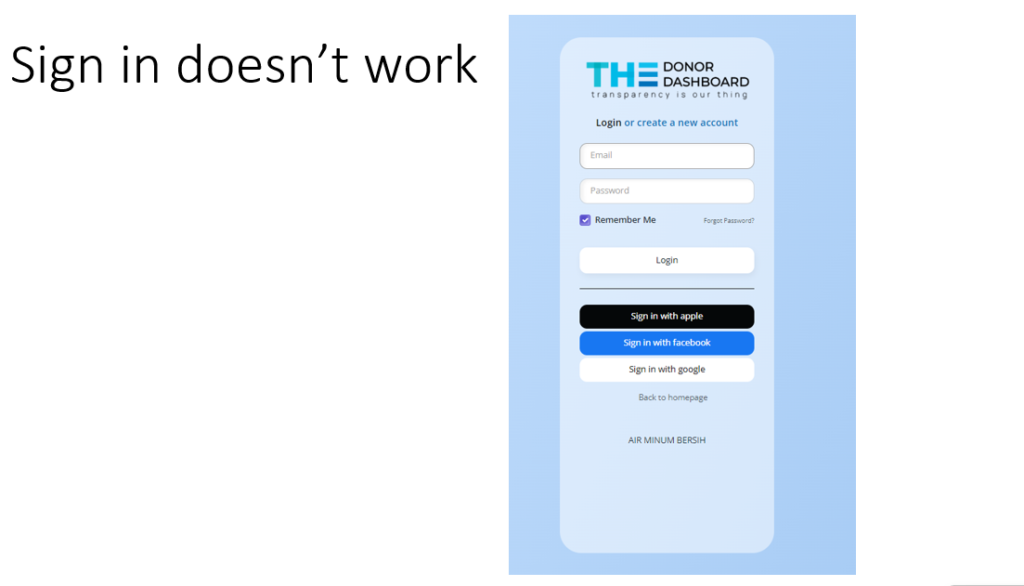
If my website’s sign-in feature isn’t working, it can significantly impact user experience and engagement. When users encounter issues logging in, it not only frustrates them but also hinders their ability to access personalized content, manage their donations, and participate fully in our NGO’s activities.
To address this issue, I first need to ensure that all technical components of the sign-in process are functioning correctly. This includes verifying that the server handling authentication requests is operational and that there are no errors in the backend code responsible for user authentication. I need to check for issues such as incorrect API keys, database connection problems, or server downtimes that could be causing the sign-in feature to fail. Additionally, I should ensure that any third-party services (like OAuth providers) used for sign-in are correctly configured and active.
Moreover, I should enhance the sign-in experience by providing clear error messages and guidance when sign-in attempts fail. Informing users if their email or password is incorrect, or if there’s a technical issue on my end, can go a long way in maintaining their trust. Providing options for password recovery or account verification can also help mitigate user frustration. By promptly addressing and resolving these issues, I can improve user satisfaction and ensure seamless access to my website’s features and services.